For 1990-2009 cars only
Head Up Display Switch Replacement for Cadillac DeVille 2001
Removal Procedure
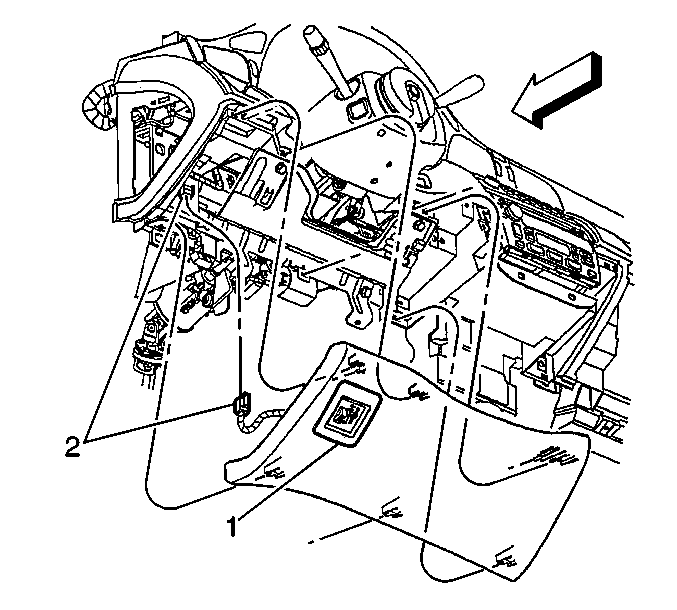
- Remove the drivers side knee bolster. Refer to Driver Knee Bolster Replacement .
- Disconnect the head up display switch (1) electrical connector (2).
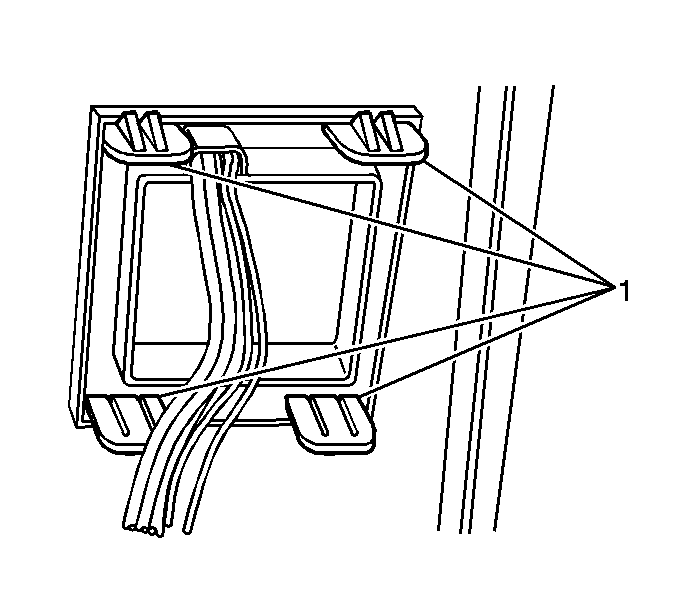
- Release the head up display switch retainers
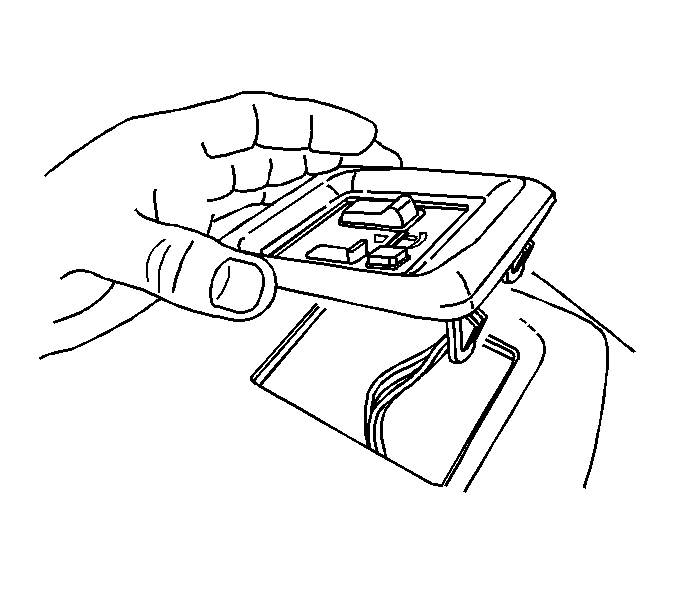
- Remove the head up display switch.
Installation Procedure
- Install the head up display switch to the knee bolster.
- Connect the head up display switch (1) electrical connector (2).
- Install the left knee bolster. Refer to Driver Knee Bolster Replacement .
