For 1990-2009 cars only
Audio Steering Wheel Controls for Chevrolet Impala 2006
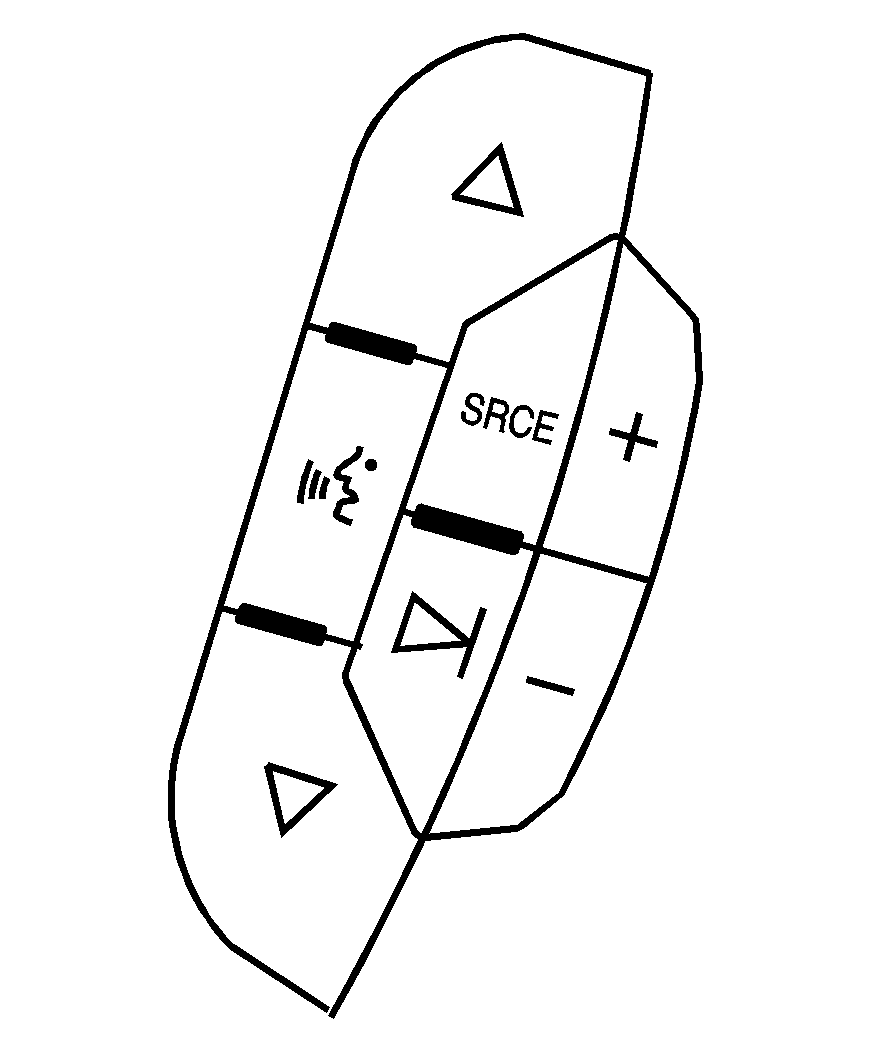
The audio steering wheel controls may be different depending on your vehicles options. Some audio controls can be adjusted at the steering wheel. They include the following:
(Next/Previous): Press the up or the down arrow to go to the next or to the previous radio station stored as a favorite. When a CD is playing, press the up or the down arrow to go to the next or previous track.(Mute/Voice Recognition): Press and release this button to silence the system. Press and release this button again, to turn the sound on. If your vehicle has OnStar®, press and hold this button for longer than one second to interact with the OnStar system. See the OnStar® System in this manual for more information.
SRCE (Source): Press this button to switch between AM, FM, XM (if equipped), CD, and AUX jack.
+ - (Volume): Press the plus or minus button to increase or to decrease the radio volume.
(Seek): Press the seek arrow to go to the next radio station and stay there.
