For 1990-2009 cars only
OnStar GPS Antenna Replacement for Chevrolet Monte Carlo 2001
Removal Procedure
- Remove the rear shelf trim panel. Refer to Rear Window Shelf Trim Panel Replacement in Interior Trim.
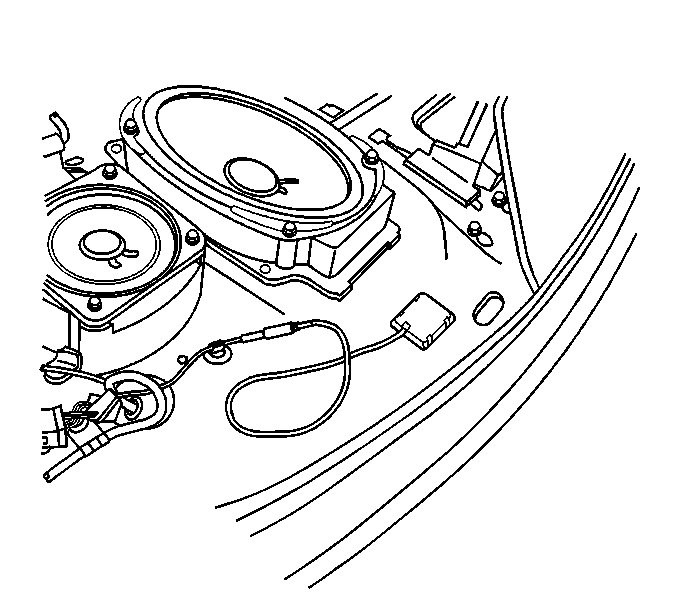
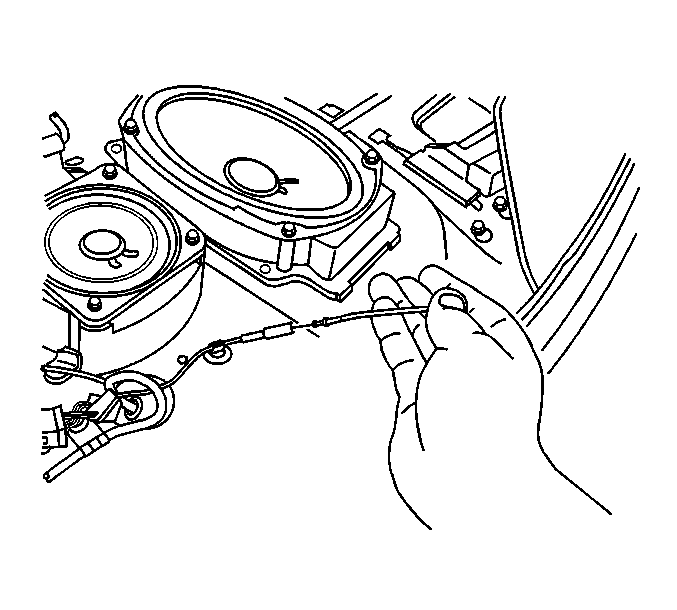
- Remove the Global Positioning System (GPS) antenna from the rear shelf using a small wide-bladed plastic tool in order to release the adhesive.
- Disconnect the GPS antenna cable connector.
- Clean the adhesive residue from the rear shelf using a razor blade and isopropyl alcohol pad and a clean lint-free cloth.
Installation Procedure
- Clean the surface of the rear shelf in the (GPS) antenna mounting location, using an isopropyl alcohol pad and a clean lint-free cloth.
- Remove the protective backing from the adhesive backing of the GPS antenna.
- Install the GPS antenna to the rear shelf surface.
- Connect the GPS antenna cable connector.
- Install the rear shelf trim panel. Refer to Rear Window Shelf Trim Panel Replacement in Interior Trim.
Important: Do not touch the adhesive backing.
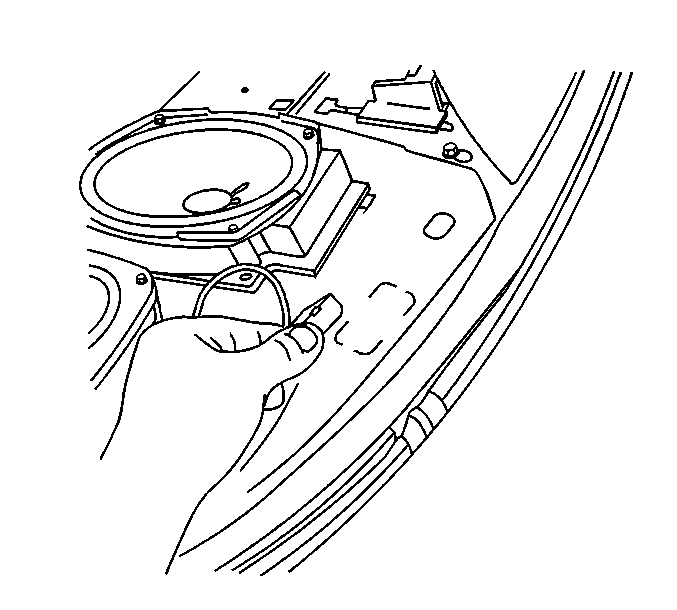
Press the GPS antenna into place until fully seated for approximately 30 seconds.
