For 1990-2009 cars only
Front License Plate Bracket Replacement for Pontiac Grand Am 1998
Removal Procedure
- Remove the screws from the fascia.
- Remove the bracket from the fascia.
Installation Procedure
Tools Required
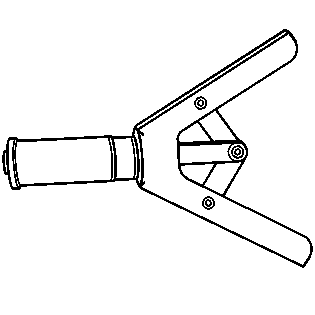
J 39312 Rivet Gun
- Locate the 2 dimples on the lower portion of the fascia on the driver side. Drill 2 6-mm (0.25-in) holes.
- Install the bracket to the fascia.
- Install 2 pop rivets using the J 39312 or equivalent.
- Drill 2 6-mm (0.25-in) holes in front of the fascia using the upper holes located in the pockets of the license bracket as the templates.
- Install 2 pop rivets using the J 39312 or equivalent.
