For 1990-2009 cars only
Audio Steering Wheel Controls for Pontiac Montana Ext. 2003
If your vehicle has this feature, you can control certain radio and remote playback functions using the buttons on your steering wheel.
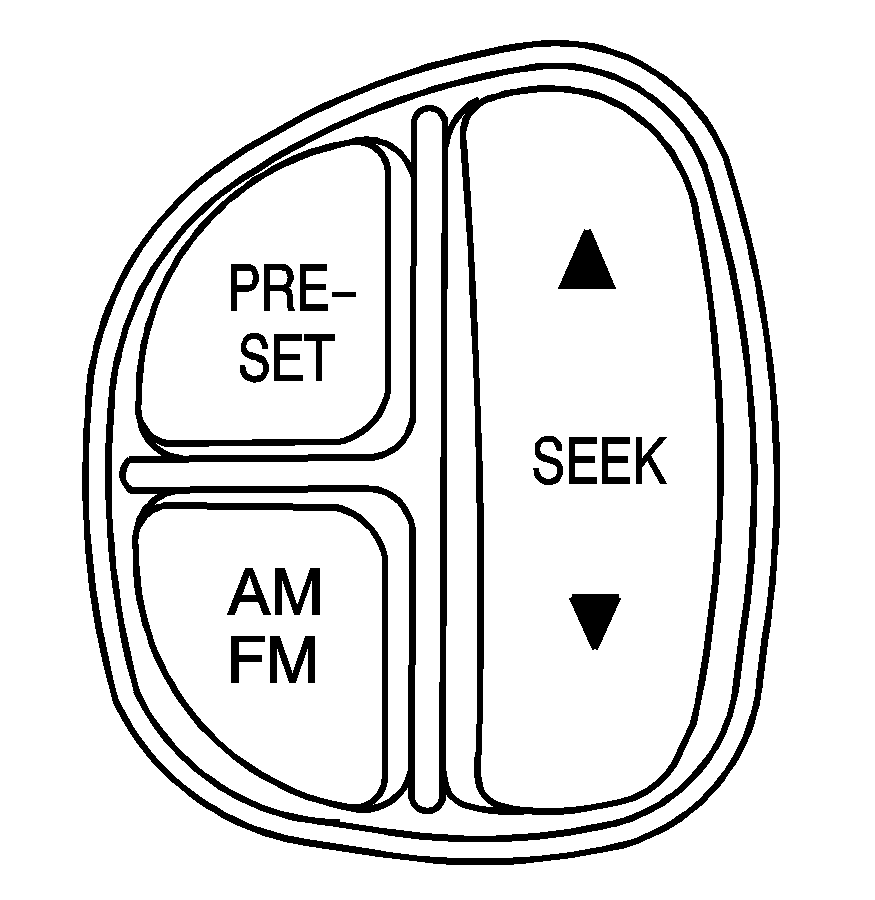
PRESET: Press this button to play a station you have programmed on the radio preset pushbuttons. The radio will go to a preset station, play for a few seconds, then go to the next station. Press this button again to stop scanning the preset stations. If a cassette tape is playing, press this button to play the other side of the tape. If your vehicle has the six-disc compact disc audio system and multiple discs are loaded, each press of PRESET will take you to the next disc.
AM FM: Press this button to choose AM, FM1 or FM2. If a cassette tape or a compact disc is playing, it will stop and the radio will play.
SEEK : Press the up or the down arrow to tune to the next or to the previous radio station. If a cassette tape or a compact disc is playing, the tape or the CD, will advance with the up arrow and reverse with the down arrow.
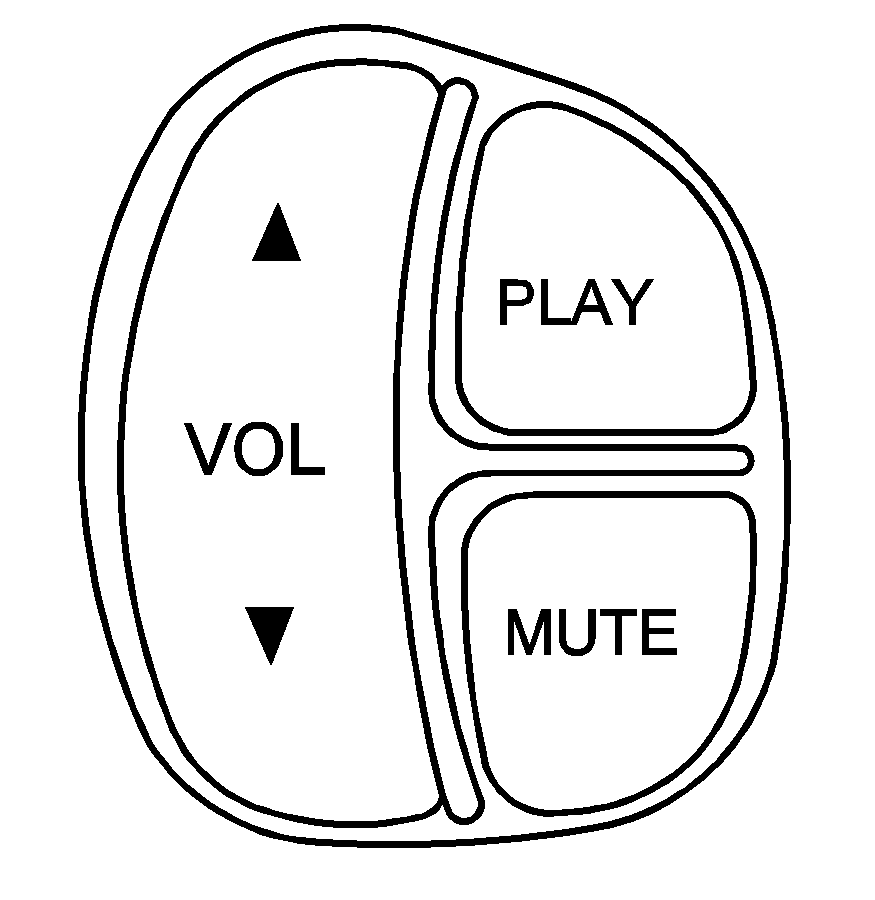
VOL (Volume) : Press the up or the down arrow to increase or to decrease volume.
PLAY: Press this button to play a cassette tape or compact disc when listening to the radio.
MUTE: Press this button to silence the system. Press it again, or any other radio button, to turn mute off.
